

Signing Process
Instantly sign all your documents using your mobile phone.
Step 1
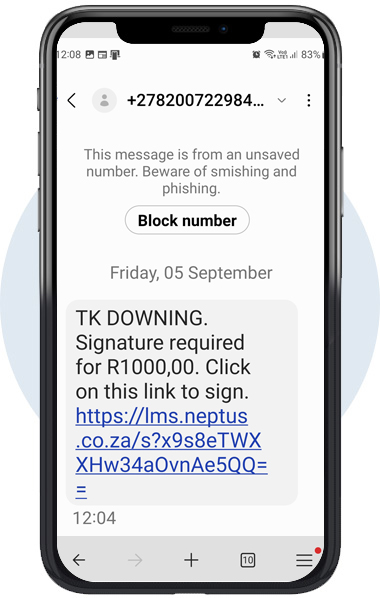
You will receive an sms and when it is opened it will come up with the following screen. Tap with your finger and click on the link provided.
Step 2
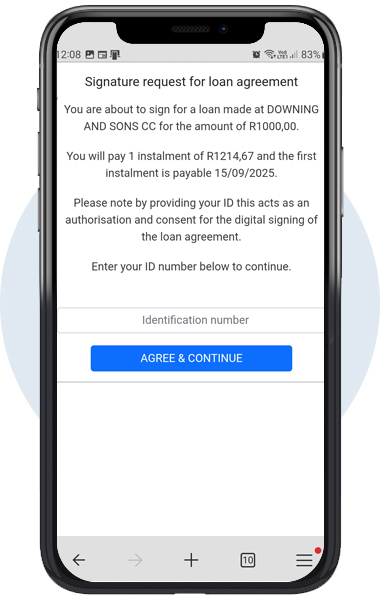
Enter your Identification Number.
Then tap ‘AGREE & CONTINUE‘.
Step 3
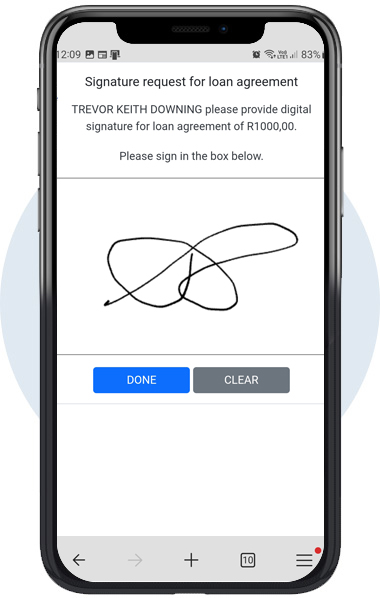
Now sign/draw your signature in the block with a cell phone pen or your finger. If you are not satisfied with the result you tap on ‘CLEAR‘ and re-sign. After you have completed your signature, you tap on ‘DONE‘.
By doing this your signature is automatically placed in the sign block.
Step 4
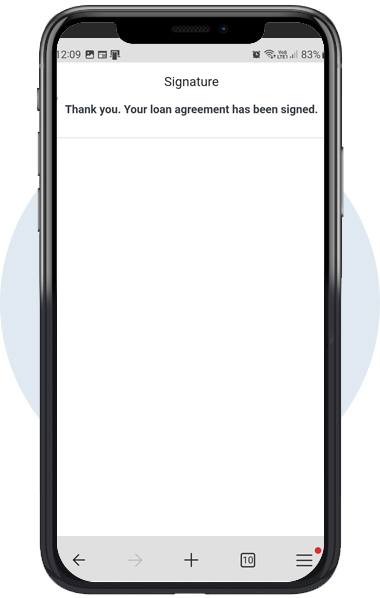
Thank you.
Your loan agreement has now been signed.